xPal Account Management: How to Set Up, Exit, and Delete Securely
xPal Account management is designed to be easy to use, keeping user experience in mind, without collecting any personal data.
xPal is an ultra-secure communication platform, built with anonymity, absolute user control, Military-Grade AES-256 Encryption, and advanced privacy measures. The platform integrates patent-approved technologies and adheres to non-negotiable privacy standards.
However, with all this, xPal is a user-centric platform and has made the process of using it completely easy and practical. It is for people, communications, and real-time access. The setup, deletion features, accounts management, and all in xPal online private messaging do not trap you in long personal data collection forms.
The user always has greater control, and little is left behind, even if they want to leave. xPal unifies all communication within a secure ecosystem and ensures strong data privacy without sacrificing operational ease.
How to create an xPal Account?
The process of creating an xPal account is, on purpose, easy and personal data-free. xPal does not ask for any personal information from its users that can be traced or manipulated.
The account step needs only three elements;
xID
xPal gives users a global 9-digit xID, which allows them to send encrypted messages and make secure voice and video calls worldwide. There is no dependence on SIM cards, telecom operators, or country codes.
Username
Furthermore, a user chooses a unique name that represents them on xPal secure messenger. This username would be the only identifier and would be specific to the xPal ecosystem.
This PIN secures local access to the xPal account and adds a layer of protection against unauthorized device access. It is simple and eliminates complex credentials systems that can lead to new security risks.
Nonetheless, this entire process takes seconds, and users can easily communicate without compromising privacy and identity.
How to log out of an xPal Account?
Like the registration process, logging out of xPal is equally easy. Logging out of xPal does not compromise user data, upload backups, or any access points.
To Log Out.
- Open the xPal app
- Tap the setting icon
- Scroll to the bottom of the menu
- Select sign out
That is it!
xPal does not show forced warnings or long steps. As with all, it is user control and choice.
How to delete an xPal account?
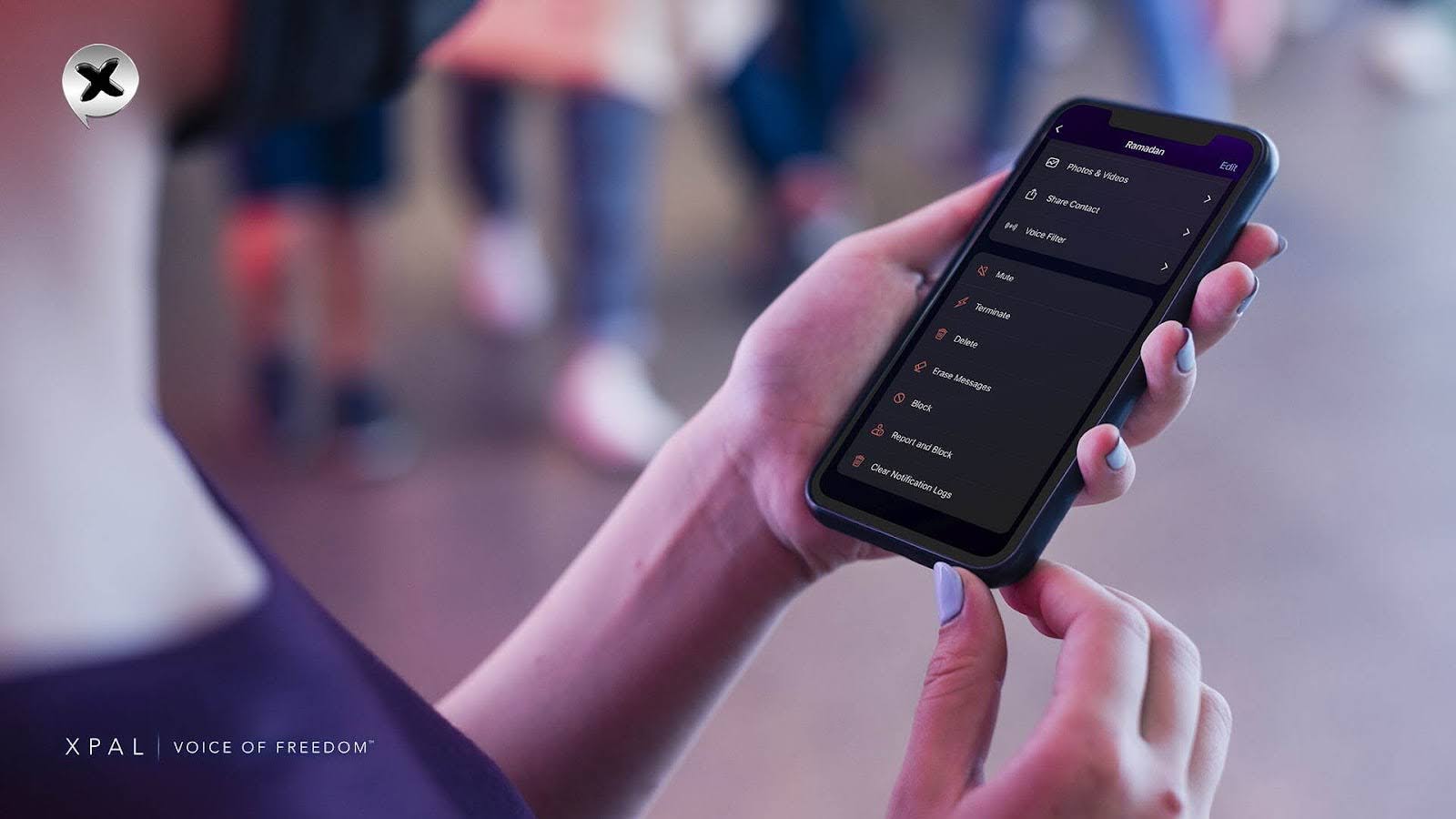
When a user decides to delete an xPal private messaging account, the process is irreversible by default. Once the deletion is confirmed, the account and its locally stored data are erased.
Steps to Delete the xPal Account
- Open the xPal app
- Go to setting
- Tap the profile icon at the top
- Scroll down and select Terminate account
- Confirm the action
Once deleted;
- The data of the account is removed from the device
- Credentials are invalidated
- Access is permanently terminated
There is no recovery window, no saved identifiers, and no profiles left behind; all is clear and gone.
How is the account management of xPal easy and smooth?
Even though xPal strictly abides by privacy and it is built in, user experience is amongst the top priorities. xPal account management, from the first step and throughout the whole online private messaging experience, is all about user control, easy access, and freedom without data violation.
The phone numbers or emails, then SMS or email verifications and codes, are long and long stuff. Therefore, xPal secure messenger gives platform-specific features that have nothing linked with email-based tracking or any external dependencies.
From the start, the user feels like owning their identity, data, and their rights.
- Users can have their own My QR code or scan a QR code
- Add contacts
- Themes and profile picture
- xID card
- Link device options
- Two-step verification
- Touch ID and blocked xID options
- Notification sound and language changes
- Switching between account options and many more
Users can explore the app and its settings and customize the app as they want.
Nothing is exposed, saved, or shared, and the feature incorporated is aligned perfectly with xPal's privacy architecture.
Users can join, manage, or leave the xPal Account whenever they want, and their data will always be protected.
FAQs
1. What's the difference between deleting my xPal Account and Total Wipeout™?
Total Wipeout™ clears communication history but keeps your account active. Account deletion removes everything permanently.
2. Can I choose my own xID?
No. xID is automatically generated to maintain system integrity and uniqueness.
3. Can I reset my account without deleting it?
Yes. Total Wipeout™ allows a full reset while keeping your xID.
4. What happens if I enter the wrong PIN multiple times in xPal Secure Messenger?
After several failed attempts, the account locks temporarily to prevent brute-force access.
5. What if I forget my xID?
You can log in using your Access ID if it was previously set.
6. Is my data safe after I log out?
Yes. Data remains encrypted and protected by your PIN.
7. Can I change my PIN during account management?
Yes. You can update your PIN anytime in account settings.
8. Can I recover my account after deleting it?
No. Account deletion is permanent and irreversible.
9. Will my xID be reused after deletion?
No. For security reasons, deleted xIDs are not reassigned.
10. How do I ensure maximum security during xPal account setup?
Use a strong PIN, enable Decoy PIN, set a Security Phrase, and activate Offline-Lock™.