7 Everyday Moments When a Private Messaging App Makes a Real Difference
Most people do not wake up thinking about digital privacy.
They think about sending a quick message to a partner, sharing a family photo, arranging a school pickup, calling a friend, or discussing a work task. These are ordinary moments. Yet each one can include personal information that deserves care.
A phone number, photo, call history, location detail, contact list, or old conversation can reveal more about a person than they expect. That does not mean you need to live in fear or stop using messaging apps. It means it is worth choosing tools that give you more control over how you communicate.
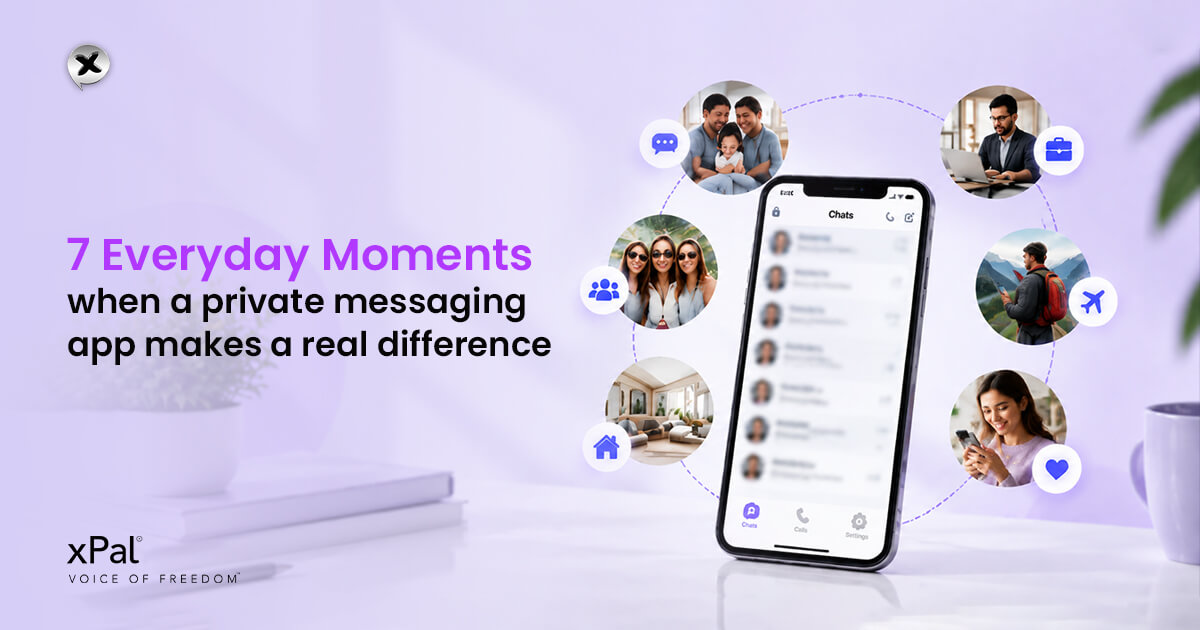
A private messaging app can help protect ordinary conversations without making communication difficult. It gives people a more private space to text, call, share media, and manage information that may not need to remain available forever.
If you are comparing messaging apps, you may also find our detailed guide useful: Best Private Messaging Apps for Android and iPhone. It compares common features such as encryption, privacy controls, calls, identity information, and group communication.
This article focuses on something simpler: the everyday reasons private communication matters.
Privacy is not only for sensitive professions
When people hear the word “private,” they sometimes imagine journalists, lawyers, executives, or cybersecurity professionals.
Those people may have specific privacy needs, but private communication is useful for everyone.
You may want to keep your chats private because you:
- Share family photos.
- Discuss personal health concerns.
- Send home addresses or delivery details.
- Make audio or video calls.
- Share private documents.
- Coordinate with colleagues or clients.
- Plan surprises.
- Want more control over who can contact you.
- Prefer not to connect every chat to your personal phone number.
A private chat app is not about hiding something suspicious. It is about keeping normal conversations with the people they were intended for.
1. Family group chats often contain sensitive details
Family group chats are convenient. They are also full of information that most people would not post publicly.
A typical family group might include children’s photos, holiday plans, health updates, home addresses, travel dates, school events, private opinions, and personal documents.
The problem is not that family members are untrustworthy. The concern is that a phone can be lost, an account can be accessed, a notification may appear on a shared screen, or a media file may contain more information than expected.
A private group chat app can help families keep these conversations in a more controlled communication space.
xPal describes its Group Messaging feature as private group messaging with end-to-end encryption and privacy designed to protect every member. This can be useful when families, friends, or small teams want a separate place for conversations that should remain personal.
2. A phone number does not need to be part of every conversation
People often share their phone number without thinking twice. But a phone number can become a long-term connection to personal accounts, social profiles, contact databases, and unwanted messages.
For many people, the concern is not secrecy. It is control.
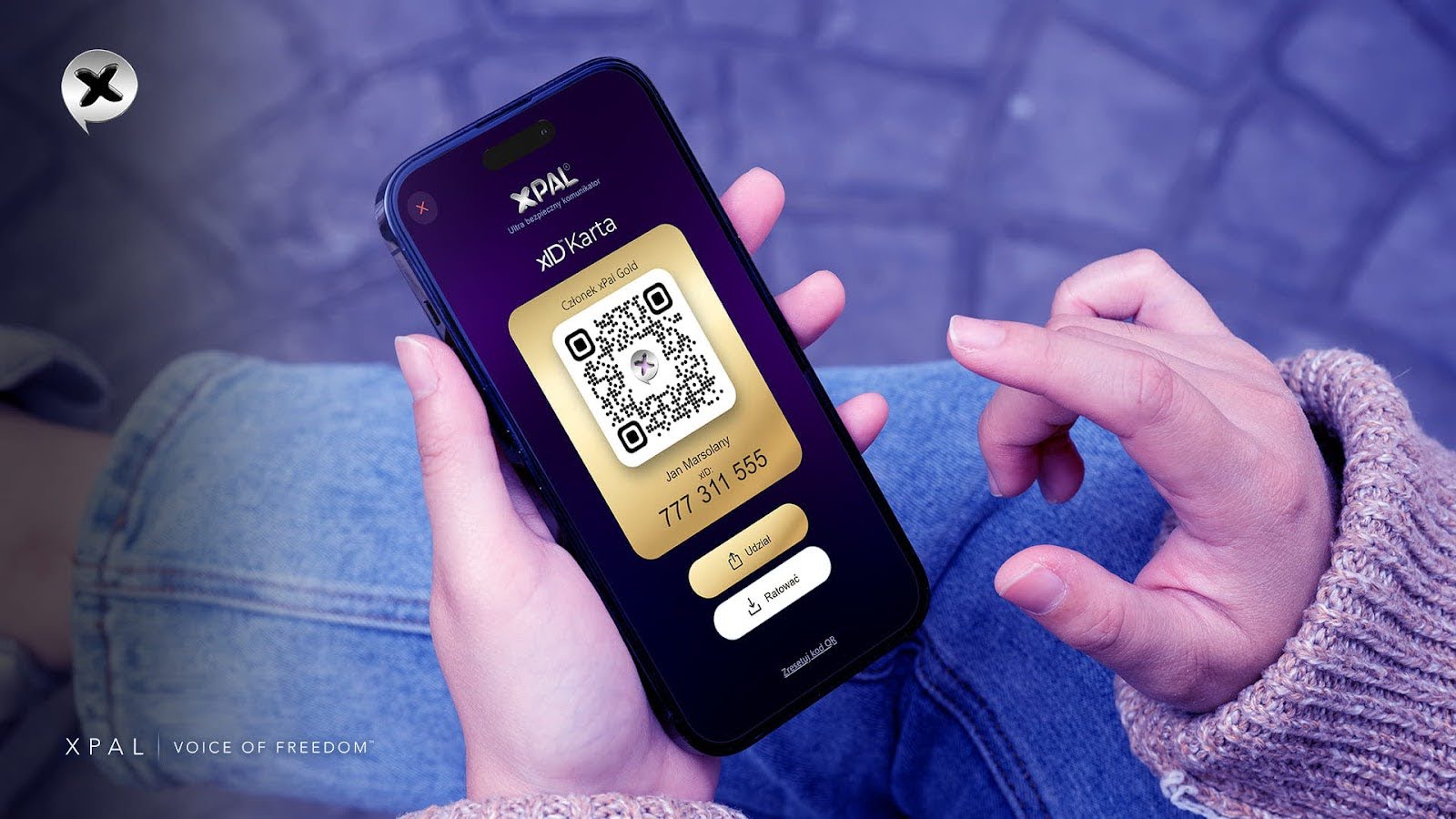
xPal uses a unique nine-digit xID for communication. According to the xPal website, users can message and call without using a phone number, email address, SIM card, or country code.
This may be helpful for people who want to communicate without exposing their personal phone number to every new contact.
A private texting app can provide a more practical boundary between your everyday communication and the personal information that identifies you.
3. Photos can carry hidden information
A photo may look harmless. But it can sometimes contain metadata that provides information about when it was taken, what device was used, and, in some cases, where it was captured.
For example, a picture of a new home, school event, workplace, or holiday can reveal more than the people in the photo intend to share.
Before sending a photo or video, it is worth asking:
- Does this media show an address, car number plate, workplace document, or child’s school?
- Does it contain location or device metadata?
- Does everyone in the group need to receive it?
- Will I still be comfortable if this file remains on devices later?
xPal’s Photo & Video Sanitizer is described as automatically stripping metadata from shared media before it is encrypted and sent.
This does not remove details that are already visible in a photograph. However, it can help reduce the hidden information attached to the media file.
4. Private calls deserve the same care as messages
Text messages are only one part of communication. People also use voice calls and video calls to discuss plans, family concerns, client work, personal decisions, and important updates.
A private messaging app should not focus only on text. It should also support more private ways to communicate by voice and video.
xPal states that its audio and video calls are end-to-end encrypted. The website says calls use peer-to-peer communication where a direct connection is available. When it is not, encrypted media may be routed through relay servers that are not intended to decrypt call content.
This gives users a clearer privacy option for different types of communication, including messages, voice calls, and video calls.
5. Some messages do not need to remain forever
Not every conversation needs a permanent record.
A delivery instruction, gate code, temporary location, meeting reminder, personal image, or short-lived access detail may only be useful for a few minutes or hours. Leaving this information on multiple devices indefinitely can create unnecessary exposure.
xPal’s Flicker Mode can be enabled for individual chats. It automatically deletes messages from both sender and receiver devices after they have been seen, based on a selected message lifetime from 30 seconds to one day.
A private chat app with temporary-message options can make daily communication more intentional. You can choose whether information should remain available or disappear after it has served its purpose.
It is important to keep expectations realistic. Disappearing messages cannot stop another person from taking a screenshot, copying text, or recording a screen. They help reduce stored-message exposure, but they cannot control what a recipient does with information they receive.
6. Personal files deserve a private place
Messaging apps are often used to exchange documents, photos, receipts, identity records, travel information, and other files people do not want to leave openly available on a device.
xPal offers XAVE, described on its website as a device-level encrypted file vault for securely storing private files locally on your device.
This gives users another option for protecting files that may be important or personal.
A private texting app can be more useful when it supports more than conversations. It should also help users think about how sensitive media and documents are stored after sharing.
7. Lost devices are an everyday privacy risk
Not every privacy risk involves a sophisticated attack. A lost phone, shared tablet, or unlocked device can expose a large amount of personal information.
That is why device-focused controls matter.
xPal lists several privacy and security features designed to help users maintain control of their data:
- Decoy PIN, which is intended to hide real data until the regular PIN is entered.
- Offline-Lock, which is designed to prevent chats from being accessed offline.
- Remote Wipeout, which xPal says can erase xPal data from a lost device.
- Self-Destruct, which deletes conversations and history on a device after 7, 14, or 30 days of inactivity.
- Total Wipeout, which xPal says clears communication history, including call history, messages, and shared media, from sender and receiver devices when the PIN is entered in reverse.
These tools are designed to improve control, but no app can guarantee total protection in every circumstance. Users should still keep devices updated, enable a strong lock screen, avoid sharing PINs, and think carefully about what they send.
What to look for in a private messaging app
When comparing messaging apps, do not rely only on terms such as “secure” or “encrypted.” Look at the wider privacy design.
A private group chat app or messaging platform should clearly explain:
- Whether messages and calls are end-to-end encrypted.
- Whether the app accesses contacts or device data.
- What identity information is needed for communication.
- How group messaging is protected.
- Whether audio and video calls are encrypted.
- How shared media is handled.
- Whether metadata is removed from photos and videos.
- Whether temporary messages are available.
- How chat history can be removed.
- Whether personal files can be stored securely.
- Whether the platform has independent security testing or validation.
xPal states that it does not access user contacts or any other data on a user’s device. It also states that it does not collect names, phone numbers, contacts, email addresses, or location data.
The platform also lists NIST CAVP algorithm validation A7969, DEKRA independent cybersecurity evaluations and certifications, a Google App Defense Alliance CASA assessment completed in 2024, and development practices aligned with OWASP Secure Coding Practices.
These are useful signals to review, but responsible users should always examine the current certificate scope, dates, privacy documentation, and latest app version before relying on any app for highly sensitive communication.
How xPal supports everyday privacy
xPal is built around private communication for people who want more control over how they text, call, share media, and store files.
According to its website, xPal provides:
- Private messaging between unique nine-digit xIDs.
- End-to-end encrypted messaging.
- End-to-end encrypted audio and video calls.
- Private group messaging.
- Flicker Mode for disappearing messages.
- Photo & Video Sanitizer for metadata removal before encryption and sending.
- Total Wipeout and Terminate Mode for communication-history controls.
- XAVE Encrypted File Vault for local encrypted file storage.
- Decoy PIN, Offline-Lock, Remote Wipeout, and Self-Destruct options.
For readers choosing between platforms, the private messaging apps comparison for Android and iPhone explains how xPal compares with Signal, WhatsApp, Telegram, iMessage, and Session.
Privacy is a practical choice
Private communication is not about being paranoid. It is about creating sensible boundaries around the information you share every day.
You lock your front door even when there is nothing unusual inside. You use a password even when your account contains nothing secret. In the same way, choosing a private messaging app is a normal way to protect conversations, calls, family photos, group messages, and files.
A private group chat app can help keep group conversations more focused and private. A private chat app can help you make thoughtful choices about temporary messages, media, and communication history. A private texting app can help you communicate without exposing more personal information than necessary.
The goal is not to make communication complicated. It is to make privacy easier to choose.