xPal: Best App for Private Messages and Alternative to Threema
xPal, an app for private messages, is not limited to sending texts; it embodies a deeper meaning of privacy, greater control, and privacy.
In simple words, what we call just texting is apps collecting more data than we think.
Even if it looks harmless, some apps gather a lot of information about you or your family without it being obvious. We talk about what is related to us and our daily life. Data security and privacy need to be set as a priority by everyone.
People start having an online presence very early, often before they even understand it.
Photos, messages, accounts, or data about them can exist on the internet, shared by apps, platforms, or even family. But a lot of people don’t yet realize what privacy and security are, how data is used, or what it means for their future.
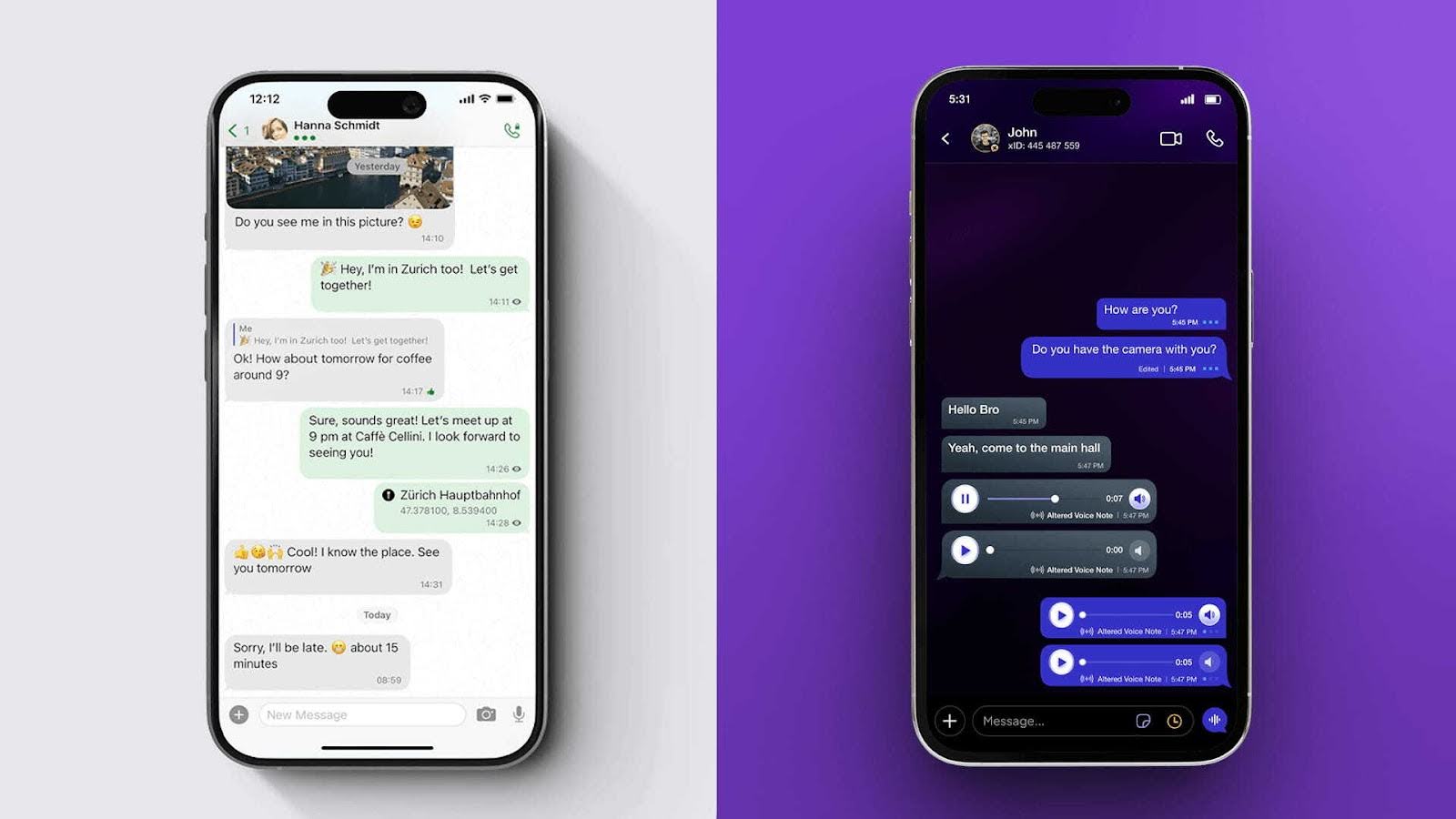
What is the point of saving user data in messaging apps? Saved data can become a target because when conversations, profiles, and preferences are stored, they create a big “data bank” that hackers might try to access.
Weak security can expose information, and if an app doesn’t have strong login protection or has technical flaws, your data could be seen by others who should not have access.
Furthermore, if third parties are involved, other companies might see the data too.
In short: more data stored + weaker protection = higher risk of that information being exposed.
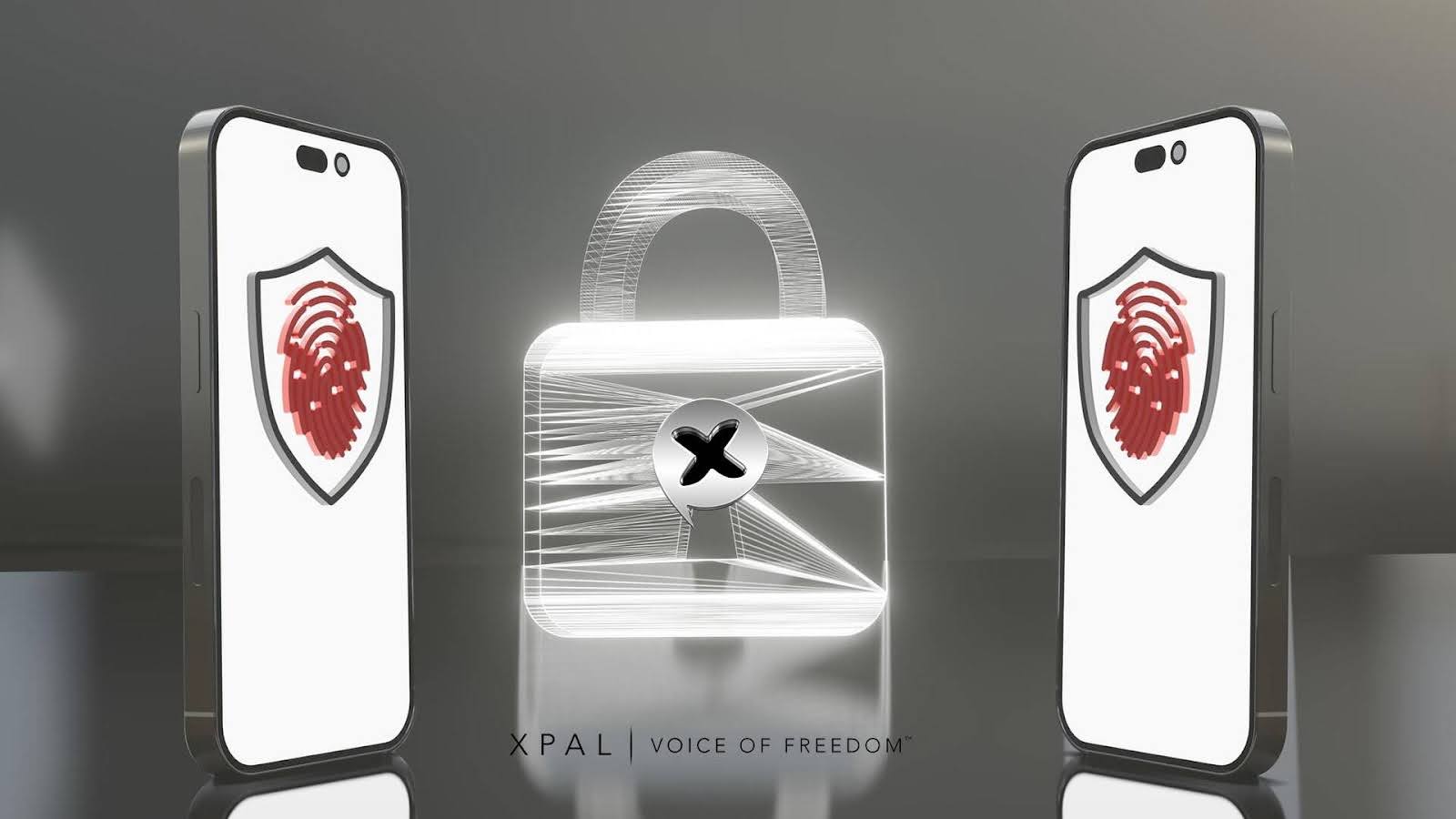
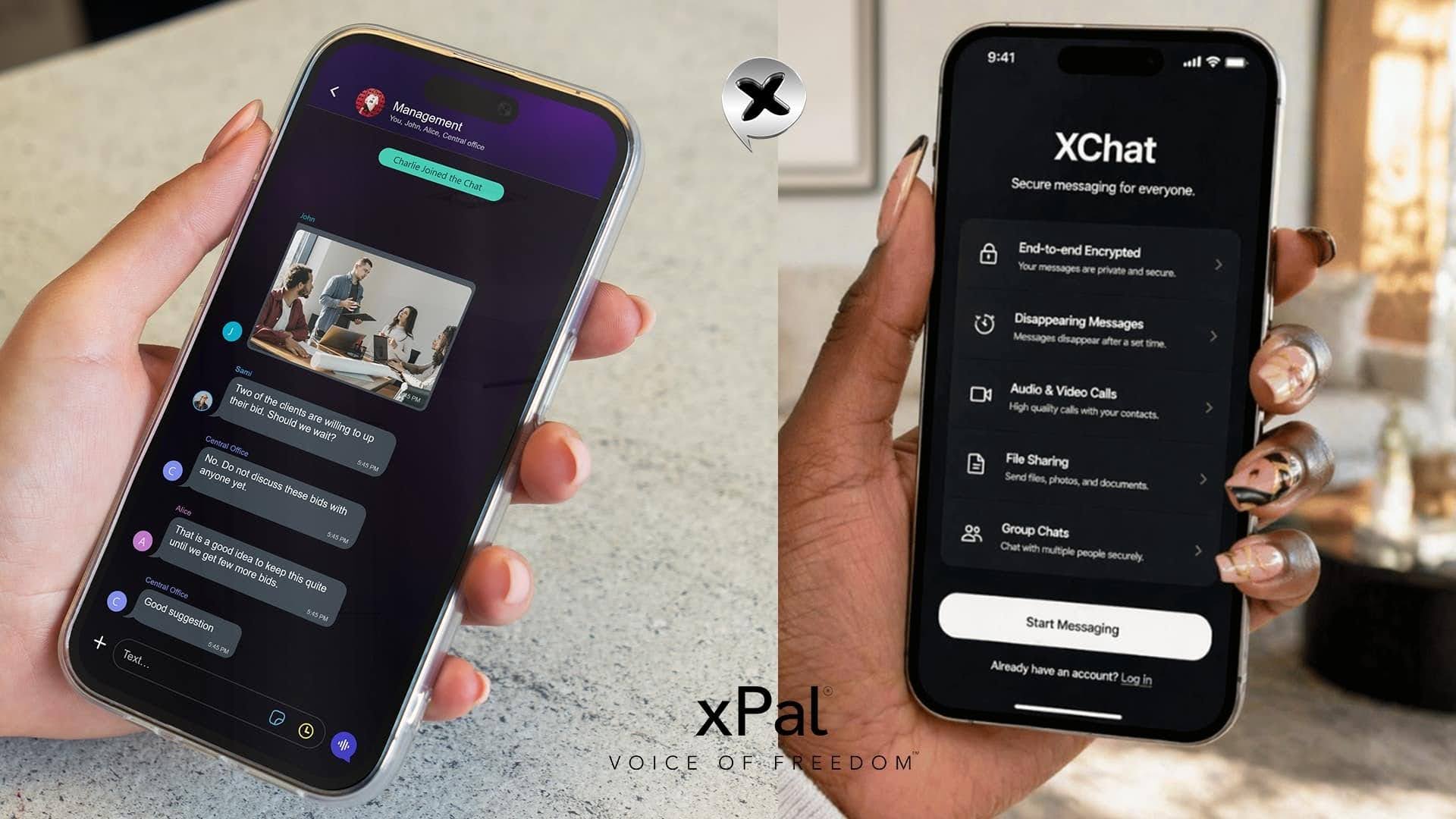
Therefore, like most messaging apps that stop at encryption, xPal is an app for private messages that goes further by giving users real control over their data, identity, and conversations.
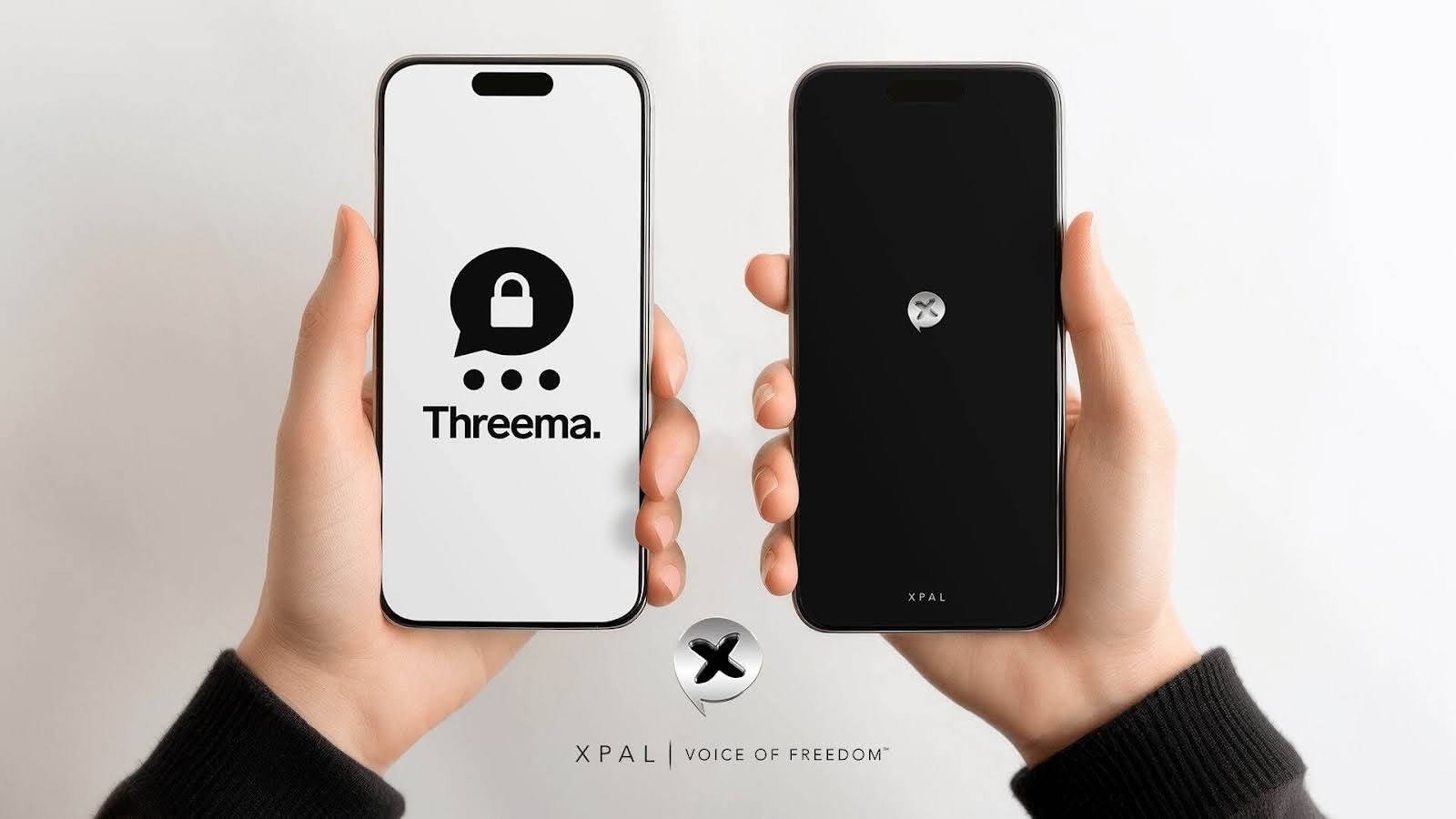
Both xPal and Threema are built around privacy; however, xPal stands out with its no-phone, no-email setup, multiple identities on one device, and advanced tools like Total Wipeout™ and metadata-free media sharing.
There is no data collection, no external linking, no ads or third-party affiliations, thus, no point of data being exposed or used.
Many people are also paying closer attention to where their messages go, who can access them, and how much control they really have.
A good private messaging app should give users greater control over their conversations.
It is all about control, and that is where the xPal messaging app stands out.
App for Private Messages: A Simple Comparison of What Matters and How xPal Works There
| Feature | xPal | Threema |
|---|---|---|
| Sign-up | No phone, no email, full anonymous xID | Anonymous ID, but phone/email optional |
| Messaging | Encrypted + Flicker™ + Total Wipeout™ | Encrypted + disappearing messages |
| Data Collection | No personal data is stored at all | Minimal data (ID, last login, device info) is stored |
| Media Privacy | Metadata removed automatically | Metadata minimized but not fully stripped |
| Control After Sending | Can delete chats from both sides and also servers | Messages deleted from the server only |
| Multiple Accounts | 3 xIDs on one device (free) | Single ID per app |
| Device Security | Decoy PIN, Offline Lock, Remote Wipeout™ | Standard app protection |
| Calls | Encrypted + HD + peer-to-peer | Encrypted calls via servers |
| Pricing | Free + optional Gold upgrade | Paid app upfront |
Where xPal Has the Privacy and Security Edge?
Starting from anonymity;
-
Your Identity Stays Private
With xPal, the best private messaging app for couples, users don’t link anything. There is no requirement for phone numbers, emails, or personal data, which means no identity leaks.
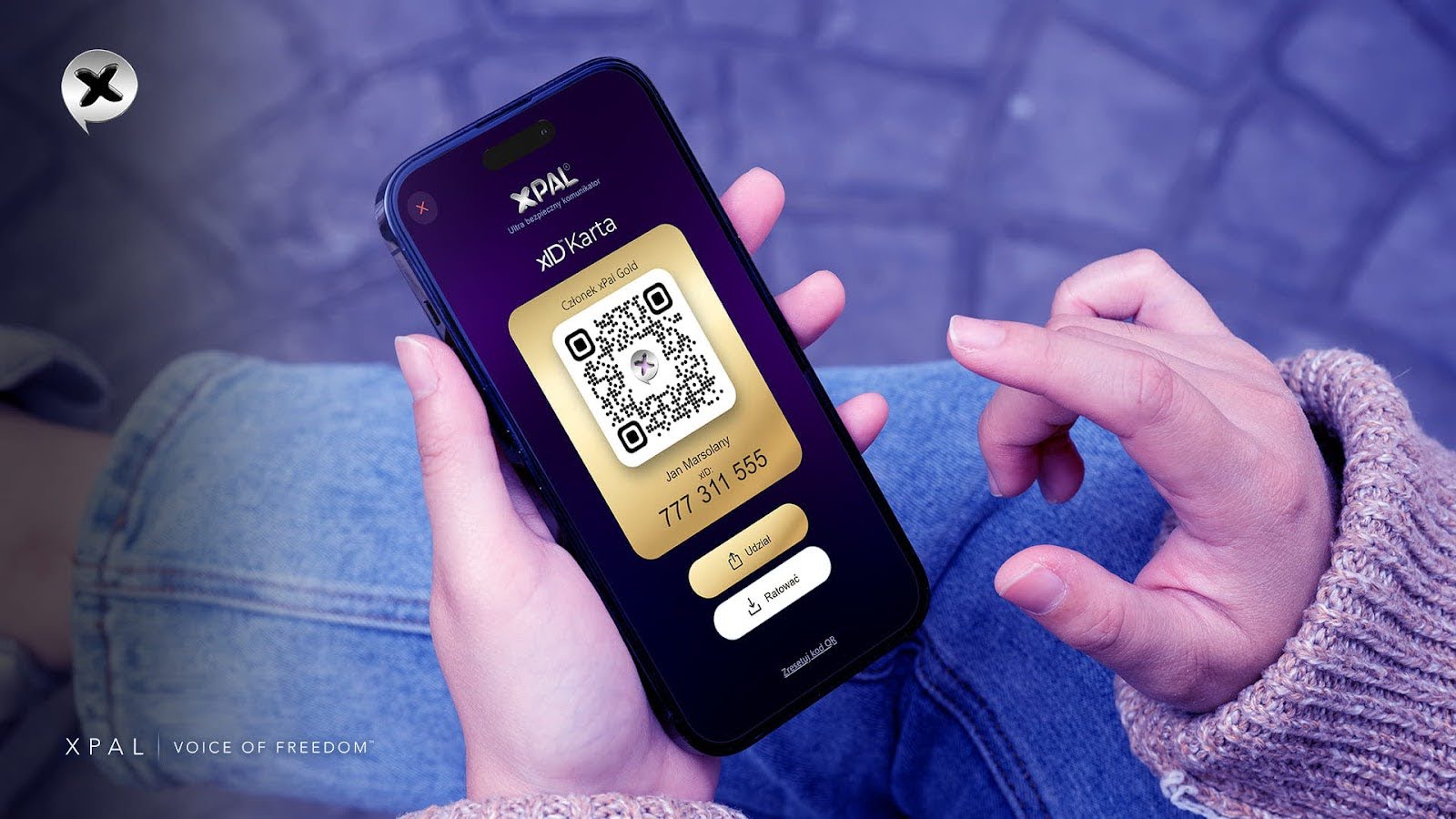
xID is a unique global 9-digit number assigned to users upon registering on the xPal messaging app.
It enables users to send encrypted text, make encrypted and secure audio and video calls to any other xID globally, without the need for an area code or country code.
Even better? You can run multiple identities on one device for personal, work, or private use.
-
You Control Messages Even After Sending
This is where the xPal app for private messages has a distinctive edge.
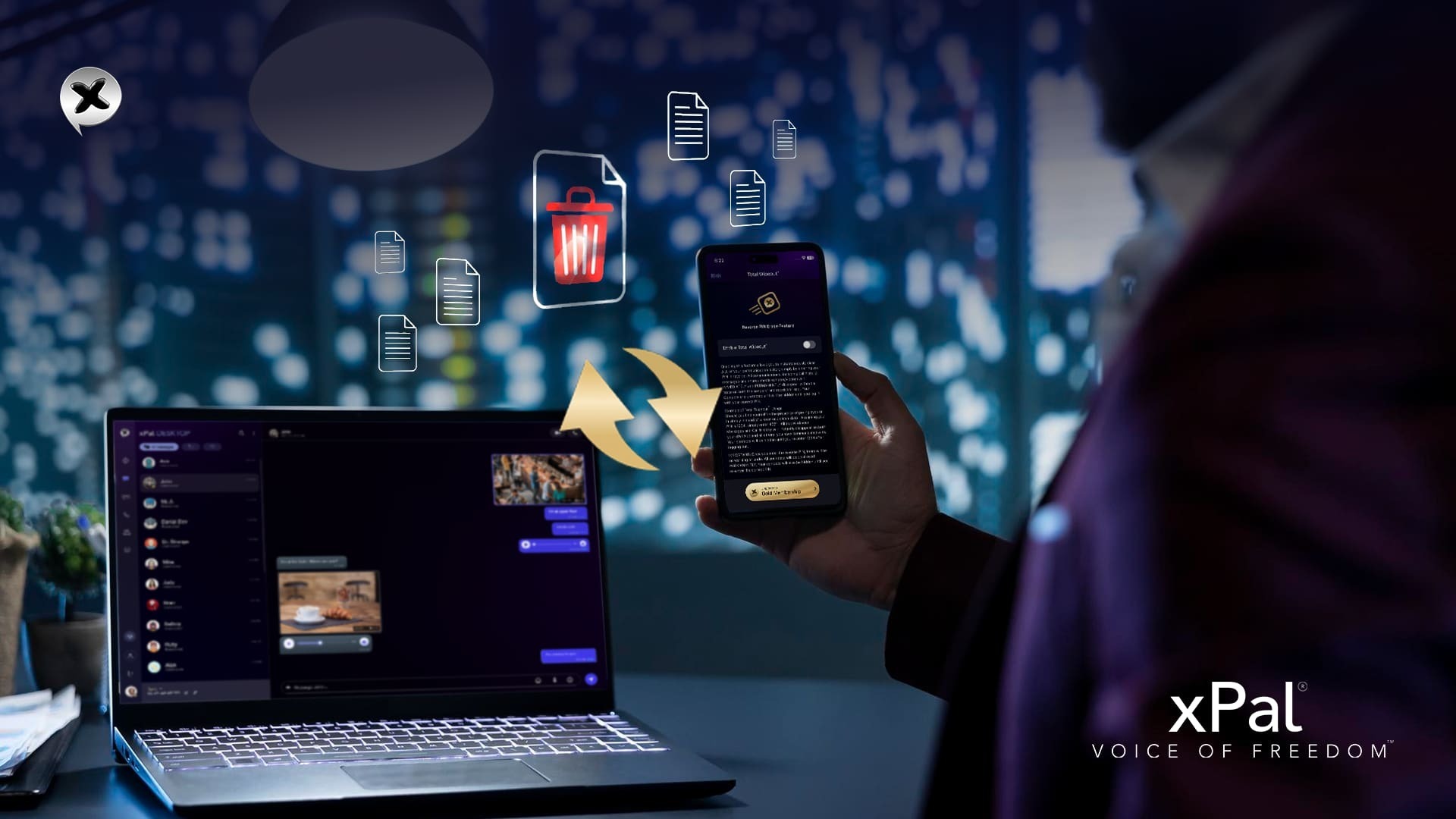
With privacy and security measures like Total Wipeout™ and Terminate™ Mode, you can remove conversations from both your device and the other receiver’s devices.
These features work beyond “delete for me” and are the strongest privacy measures by xPal.
-
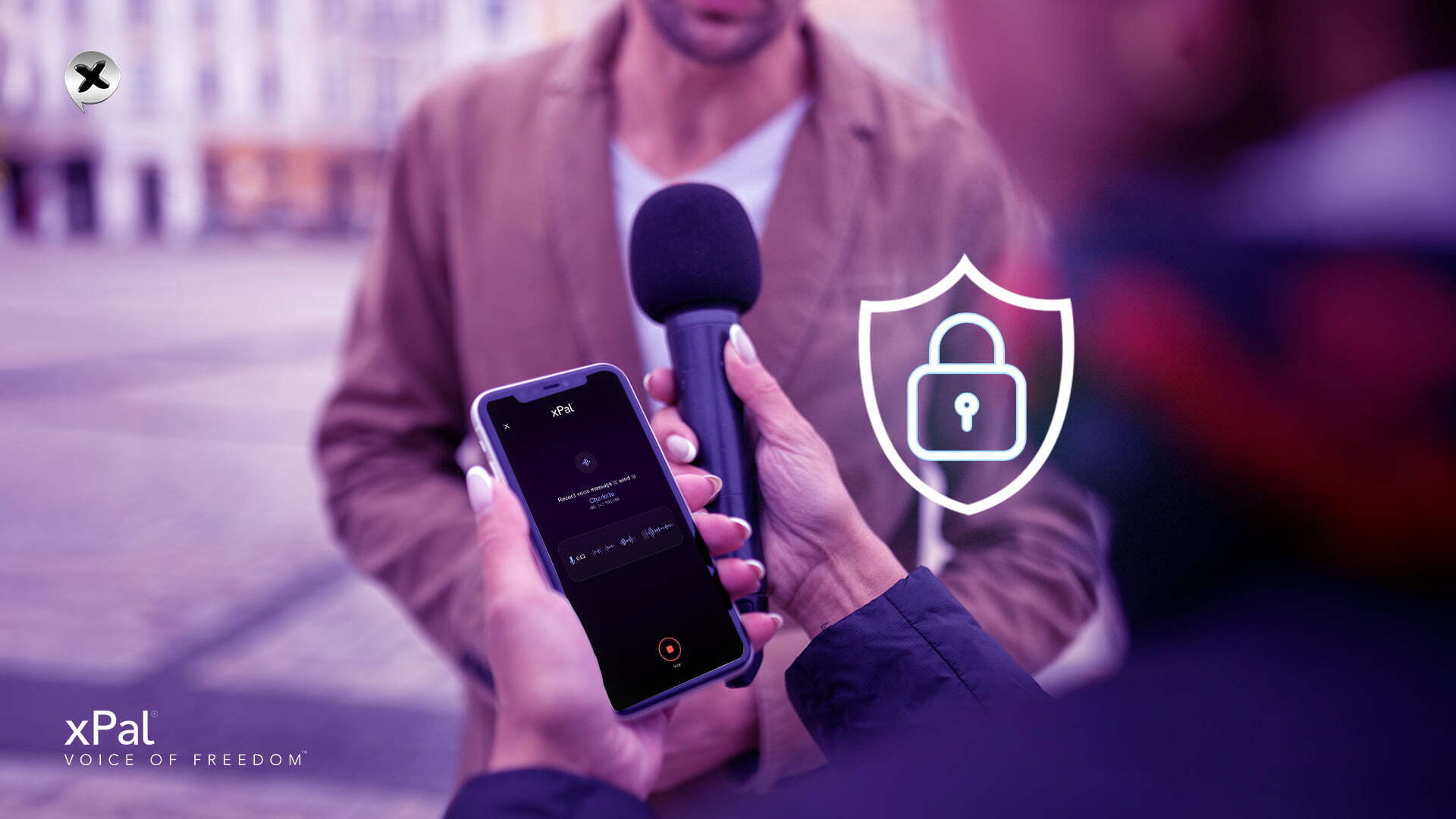
Your Media Doesn’t Leak Hidden Data
Most people are not aware that photos and videos often carry metadata (location, device info, timestamps), which, upon sharing the media, is also shared with receivers.
xPal solves this with Photo & Video Distiller™, which strips metadata from media before sending them.
In simple words, everything is cleaned before sending. Threema keeps things minimal, but xPal actively removes the risk.
-
Built for Real-Life Security Situations
xPal includes features that are clearly designed for real-world privacy threats because potential threats can exist beyond the application, too. This: data security and privacy are important.
- Decoy PIN is the fake screen for forced access to the app.
- Offline Lock™ is used to prevent unauthorized offline access.
- Remote Wipeout™ is the absolute deletion of data on a lost or stolen phone.
xPal messaging app not only provides app-level security, but also facilitates users with device-level safety.
-
Free vs. Gold: You Choose Your Level
xPal messaging app doesn’t force you to pay upfront. It has a flexible model with the same level of privacy.
You can start for free with:
- Secure messaging
- Encrypted calls
- Anonymous identity
- HD media & video
Then upgrade to Gold if you want:
- Advanced wipe features
- More control tools
- Larger groups
Both xPal and Threema respect data security and privacy. However, they approach it differently.
Threema focuses on secure messaging with minimal data, while xPal focuses on total user control over identity, data, and communication.
And in the modern age of apps and technology, control is the next level of privacy and security.
FAQs
1. If both messaging apps are private, why would I choose xPal?
From a privacy perspective, xPal gives users more control. It is not just about encryption; it is about being able to manage data anytime without leaving traces behind.
2. Can I actually delete messages from both sides?
Yes. With features like Total Wipeout™, you can remove conversations completely, not just from your own device.
3. What makes xPal different when sharing photos or videos?
It removes hidden metadata automatically, which means the user is not accidentally sharing location or device details.
4. Is it useful to have multiple xIDs?
Definitely. You can separate work, personal, and private conversations without mixing everything.
5. Does xPal feel complicated because of all these features?
Surprisingly, no. It stays simple to use, but gives more control when they need it.
6. Is the free version enough, or do I need Gold?
The free version is solid for everyday use, but Gold adds more control and flexibility if you want advanced features.
7. Is xPal a good long-term choice?
If you care about control, data security, and privacy, it feels more future-ready compared to many apps.
8. What makes xPal stand out the most to users like me?
The ability to control identity, messages, and shared data in one place makes it feel like users are in charge, not the messaging app.
9. How is xPal different from Threema in simple terms?
Threema secures messages, and xPal secures messages, giving you control over deleting, hiding, and managing messages, call logs, and other shared data.
10. Is xPal good for business or professional use?
Yes, the xPal app for private messages is especially for teams that need privacy, control, and secure communication.
11. Do both apps use encryption?
Yes, both use end-to-end encryption, but xPal adds more control beyond that.